













One of the biggest downsides of renting is the relative inability to make modifications to your humble abode, and for tech enthusiasts, running Ethernet is just one of those things that is off the table unless you want an ugly cable running across the floors of many rooms in your house. In an apartment you’re even more limited in what you’re able to do.
Even if you aren’t renting, having to fish cables through walls and drill a bunch of holes is just too much for some, and that’s completely understandable. The good news is, you don’t have to do any of that to run Ethernet. Flat cables can be easily concealed, and with the right techniques, you can wire up your entire house without drilling a single hole.
Flat Cat6 is by far the easiest to conceal
Ethernet cables come in many different colors, but they also come in different shapes. Flat Cat6 (as opposed to the standard round variety) sits nearly flush against a baseboard or wall surface, and in many cases you can run it under a rug or along the edge of a floor without it being noticeable at all. For rooms that are adjacent to my router closet with a clear baseboard path between them, flat Cat6 was the obvious starting point.
I first measured the length that I’d need, taking into account any twists or turns that would be required along the baseboards. While you can buy bulk Cat6 cabling in the flat variety and terminate the RJ45 connectors yourself, it’s honestly not as easy as conventional round cabling. It’s doable, and plenty of people do it, but if you’re not already comfortable terminating round Cat6, it can add a layer of frustration. For me, the lengths I needed were pretty close to the standard 50ft, 100ft, 150ft, and 200ft pre-made varieties, so those were an easy buy.
All the Cat6 cables I’ve purchased from Amazon have come with a pack of little clips that secure to the wall with a nail.
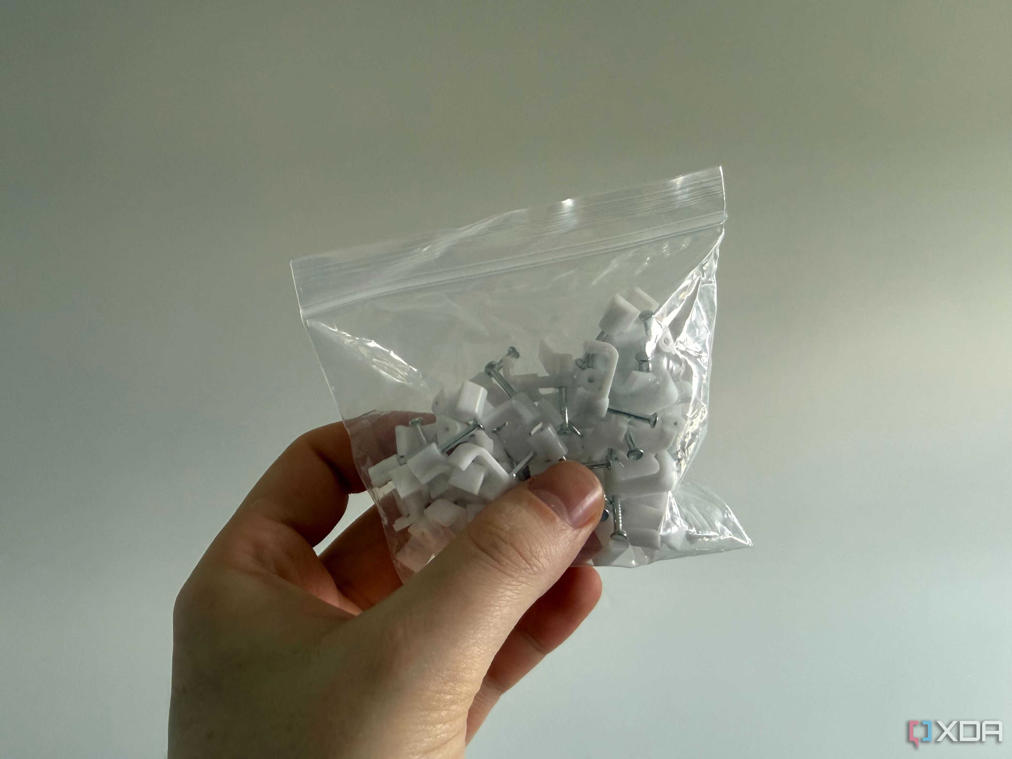
While technically these make a hole, I’ve never had a landlord that has made a stink about them. If you need more of what comes in the package (they’re a bit stingy with them on the 200ft cable), you can order more separately.
The end result is pretty clean, and you can definitely get it tighter than I’ve done. Across the black baseboard of my sliding glass door, I’ll be using black tape to conceal the white cable, but if you need to route a cable across an open area like this, plastic cable raceways are another great option and relatively inexpensive.
Passthrough wall plates for going between rooms
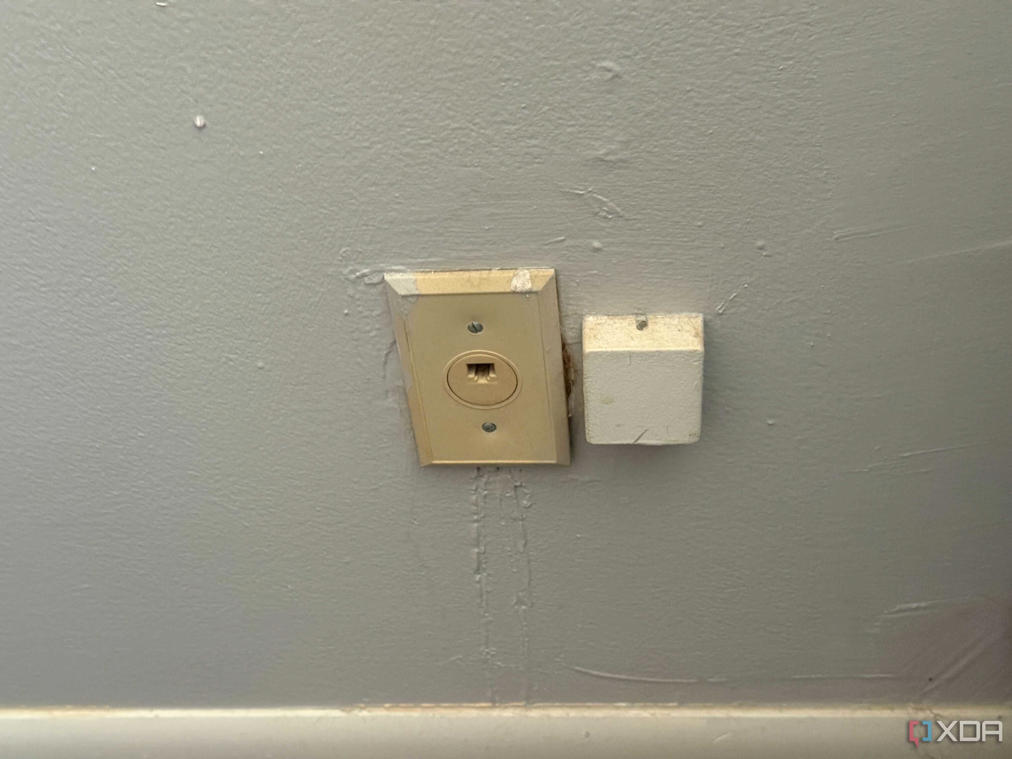
Once I got one line to my upstairs office, I could split out the connection from an 8-port Gigabit switch, and make other runs from there to the rest of the upstairs. I haven’t done this next step myself, but if you (and your landlord) are willing to get a little dirty, you can install a passthrough wall-plate to bridge the cable to another room without having to go across a hallway.
This does require making a hole, and I want to be upfront about that because “no drilling” is doing a lot of work in how people describe this method, and a keyhole saw through drywall is still a keyhole saw through drywall. That said, it’s a far cry from fishing cable through a wall cavity. A passthrough plate doesn’t require you to get anything inside the wall, you’re just creating a clean opening on each side of the surface, so the cable can pass and terminate into something that looks clean.
The hole is small, it’s at floor level, and it’s the kind of thing that fills and paints over in under an hour when you move out. For crossing a shared wall between two rooms, it’s dramatically cleaner than any surface-mounted alternative.
Wi-Fi is pretty good, too – Wired connections are a little overrated, and flat Cat6 has downsides.

If you haven’t fully explored the wireless option, I would try and do so before running long cables across your baseboards. Wi-Fi 7 and even Wi-Fi 6E is quite good. I attempted to game on it recently, expecting the worst, and it exceeded my expectations by a mile. Download and upload speeds were also rock solid, despite being separated by a floor and some walls.
Flat Ethernet cables also come with their own unique downsides. For one thing, they’re quite fragile, and I’ve experienced this first hand. Despite taking care to route one cleanly underneath a carpet and along baseboards in my last apartment. Over time it got loose and pinched. Any sharp bend in these cables can cause it to damage the pairs inside without any external sign. This resulted in occasional disconnects and wild variations in link speed that I could not diagnose until I saw the crushed cable under the rug. It’s something to look out for if you plan on using them.
Wired is necessary sometimes
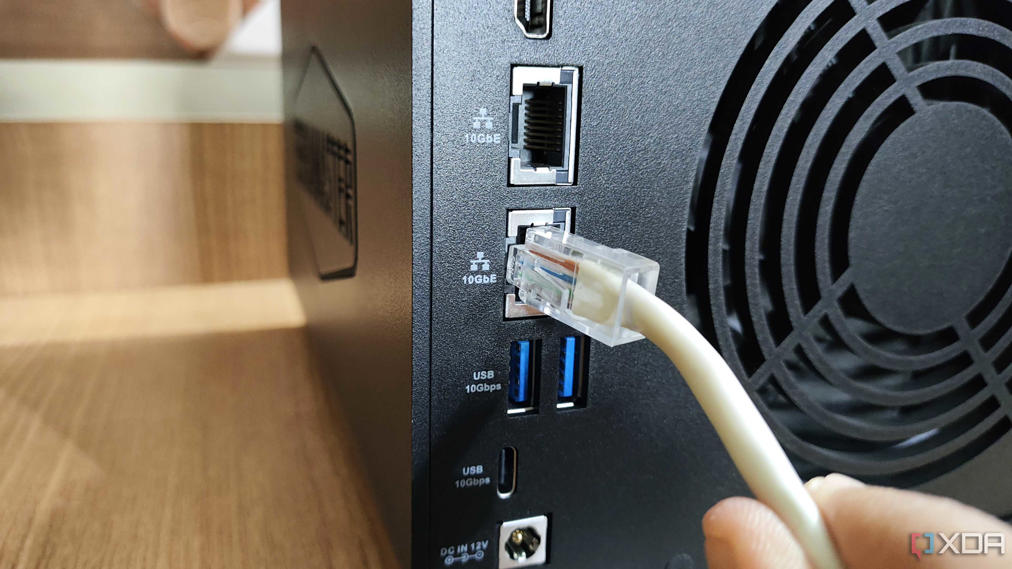
For some applications, though, Ethernet matters. If you’re serious about competitive gaming, frequently do video calls and need rock-solid reliability, or run a home lab with a NAS and security cameras, a wired connection is basically non-negotiable. Also, if you’re in a heavily RF-congested environment, wireless can be difficult to make work day-to-day.
Wired doesn’t have to be invasive and ugly
At the end of the day, the right answer depends on what you actually need from your network. If Wi-Fi 7 is hitting its marks for you and you’re not running a home lab or grinding ranked matches, there’s no shame in going completely wireless. But if you’ve been tolerating dropped calls, inconsistent speeds, or latency you can feel, a wired connection is still the gold standard, and it doesn’t require making holes in your walls and fishing for cables. Flat Cat6 will handle most situations when run across baseboards, and where it doesn’t, cable raceways and passthrough keystone jacks can fill the gaps.
About The Author